Idiom
The upper hand
What does 'the upper hand' mean?
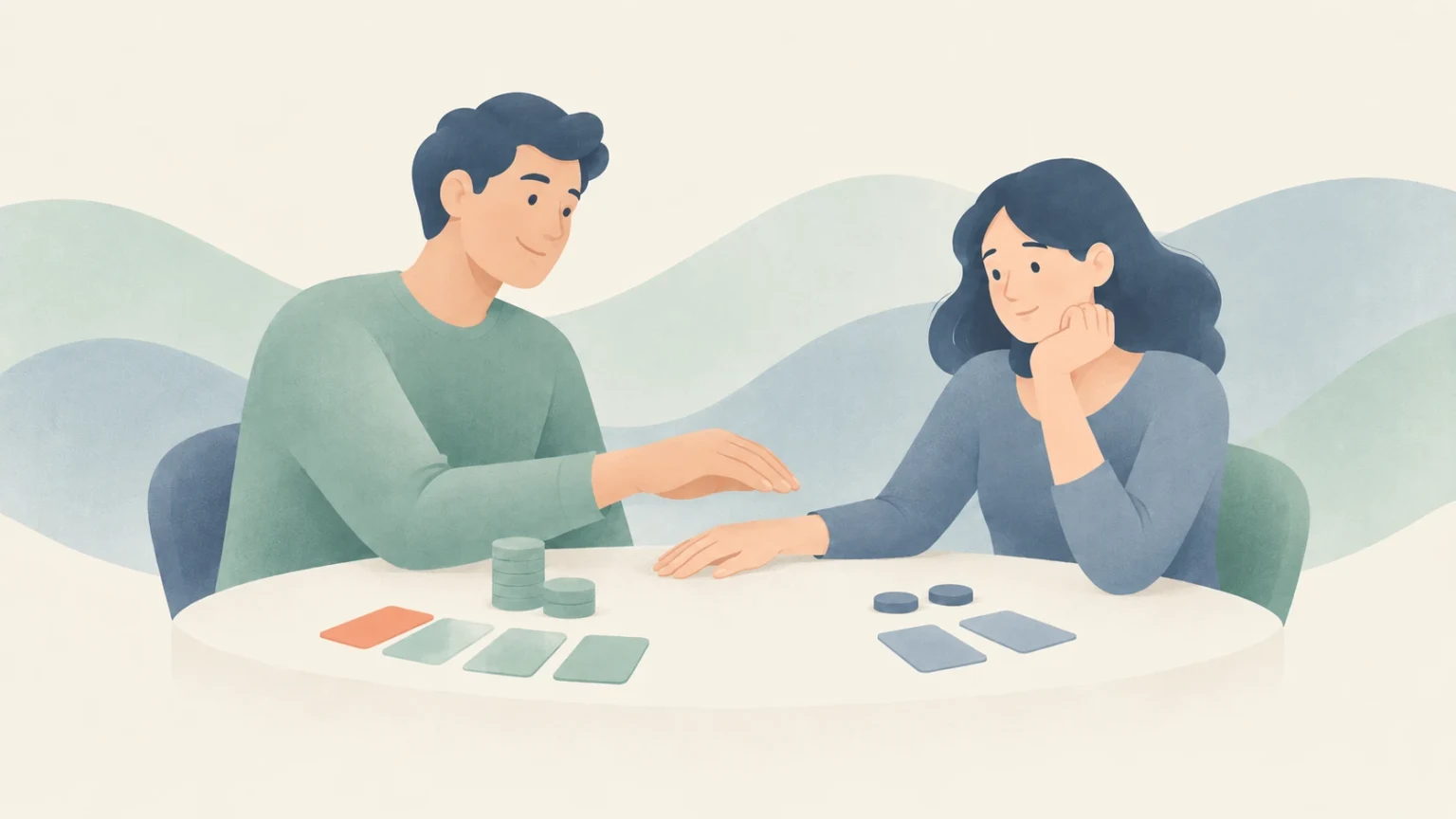
Having the upper hand means holding a clear advantage or stronger position compared to another person. It does not refer to someone's physical hand. Instead, it describes who has more control or influence in a particular situation.
Key points
- Use 'the upper hand' to describe who holds the advantage.
- Remember to keep the phrase fixed with 'the' and singular 'hand', pick verbs like 'have' and 'gain' to show momentum, and use 'over' to name the other side.
- Keep the expression fixed with 'the' and singular 'hand'.
Can you use "The upper hand" yourself?
This lesson has 5 stages. You can stop at any time and continue later.

Stage 1 of 5
Understand
What it means, when to use it, and mistakes to avoid.
Examples
The bookstore owner had the upper hand because no other shop in the valley stocked foreign language textbooks.
Why it works: Being the only local supplier created a lasting advantage over buyers.
2 more examples
-
The tenants gained the upper hand after city inspectors confirmed several heating violations in the building.
Official inspection results shifted bargaining influence toward the renters.
-
Experienced park rangers have the upper hand over tourist groups when navigating remote mountain trails.
Local knowledge provides greater control during challenging outdoor situations.
Read the full guide
Use 'the upper hand' when one side has the advantage
An advantage is anything that makes it easier for one person or group to achieve the result they want. When two sides have different goals, the person in the stronger position has the upper hand. This expression is completely figurative, which means it describes an advantage in power or influence, not the physical position of someone's hand.
-
The seller had the upper hand because three people wanted the same apartment.
Why it works: Strong interest gave the seller more power to choose the final terms.
-
Our team has the upper hand because we prepared for the changes earlier than our rivals.
Why it works: Good preparation placed the team in a stronger position than the competition.
Your turn
What does it mean if one person has the upper hand in a discussion?
Answer: That person holds a stronger position to influence the outcome.
Show the answer
Answer: That person holds a stronger position to influence the outcome.
The expression is figurative and means holding greater influence or a clear advantage during discussions.
Identify who can influence the price in a bike sale
Consider this conversation between Ben and Elena about a used road bike: Ben asks, 'Would you accept one hundred eighty dollars for the bicycle?' Elena replies, 'I already have three messages from other buyers this morning, and two people want to see it today. I need to keep the price at two hundred twenty.' Ben answers, 'I understand. You have the upper hand because so many people are interested.' Because several buyers want the bike, Elena has more influence over the price than Ben does.
-
Elena had the upper hand in the bike sale because multiple buyers contacted her.
Why it works: High customer interest gave the seller power to refuse a lower offer.
-
Ben did not have the upper hand because other buyers were ready to pay full price.
Why it works: Having competitors for the same item reduces a buyer's bargaining strength.
This also comes up in Take advantage of and Sink in.
Your turn
Who has the upper hand in the bike sale dialogue, and why?
Answer: Elena has the upper hand because multiple interested buyers give her pricing power.
Show the answer
Answer: Elena has the upper hand because multiple interested buyers give her pricing power.
Elena holds the stronger position because competing buyers allow her to reject lower offers and maintain her asking price.
Choose 'have' for an existing advantage and 'gain' for a new one
Choose your verb to show how an advantage behaves. Use 'have' or 'hold' when someone already controls the stronger position. Use 'gain' or 'get' when an advantage arrives after an event. If an advantage continues under pressure, use 'keep'. If that advantage disappears, use 'lose the upper hand'. Circumstances or new information can also 'give someone the upper hand', which means an external fact creates an advantage for that person.
-
The supplier had the upper hand until another shipping company opened in town.
Why it works: The verb 'had' shows an existing advantage that ended when new competition arrived.
-
Early weather reports gave our crew the upper hand before the storm hit the coast.
Why it works: Accurate information provided the team with a clear practical advantage.
-
Our team gained the upper hand after learning the new rules before the match began.
Why it works: The verb 'gained' shows acquiring an advantage that was not present before.
Your turn
Which sentence shows that fresh information created an advantage for someone?
Answer: The unexpected market report gave the investor the upper hand during talks.
Show the answer
Answer: The unexpected market report gave the investor the upper hand during talks.
The verb phrase 'gave someone the upper hand' shows that the report created the advantage.
Use 'over' to name the other side
When you want to name the person or group with less influence, add the preposition 'over' after the idiom. For example, an experienced pilot has the upper hand over a student pilot in heavy winds. To name the topic or setting where the advantage exists, use 'in', such as having the upper hand in budget talks. If both speakers already know who is involved, you can omit the comparison entirely.
-
Senior mechanics have the upper hand over new apprentices when diagnosing engine faults.
Why it works: The preposition 'over' introduces the group with less experience.
-
The city representatives held the upper hand in the public transport debate.
Why it works: The preposition 'in' identifies the specific discussion where the advantage existed.
Your turn
Which sentence correctly connects the advantage to the other side?
Answer: The home team had the upper hand over the visiting squad throughout the game.
Show the answer
Answer: The home team had the upper hand over the visiting squad throughout the game.
English uses 'over' after 'the upper hand' to introduce the person or group with less advantage.
Describe competitive advantage without implying fairness or certain victory
Holding the upper hand describes who has more leverage right now, not who is right or who will definitely win. An advantage can be temporary, and a careless mistake can change the outcome quickly. This phrase fits naturally in everyday conversation, workplace discussions, and sports commentary. Avoid using it during friendly, cooperative moments, such as cooking dinner with friends, because competitive language can sound unnecessarily harsh.
-
Although the defending team had the upper hand for most of the match, a late foul cost them the victory.
Why it works: Holding a strong position does not guarantee that a team will win the game.
-
The factory owner had the upper hand, but workers organized a community petition that changed the outcome.
Why it works: Current leverage does not mean total control or moral correctness.
Your turn
Why should you avoid using 'the upper hand' when planning a casual family meal?
Answer: The idiom describes competitive struggles, which can sound hostile in friendly cooperative settings.
Show the answer
Answer: The idiom describes competitive struggles, which can sound hostile in friendly cooperative settings.
The expression implies an adversarial contest, so using it with family or friends can sound aggressive.
Keep 'the' and singular 'hand' in the expression
The idiom 'the upper hand' never changes its internal words. You must always use the definite word 'the' and the singular word 'hand'. Saying 'an upper hand' or 'the upper hands' is incorrect, even though you can say 'an advantage' or 'several advantages'. You can change the surrounding verb for questions and negative sentences without altering the idiom. For example, you can ask, 'Who has the upper hand now?' or say, 'We don't have the upper hand yet.'
-
Who has the upper hand now after the sudden rule change?
Why it works: The question form changes the verb while leaving 'the upper hand' intact.
-
We don't have the upper hand yet, but our research is improving.
Why it works: The negative sentence uses 'don't have' while keeping the idiom fixed.
-
The new clinic holds the upper hand over older private practices.
Why it works: Using 'over' is correct; do not say 'above older private practices'.
Your turn
Which sentence uses the correct fixed wording and question form?
Answer: Who has the upper hand now that the new rules are active?
Show the answer
Answer: Who has the upper hand now that the new rules are active?
The idiom strictly requires 'the upper hand' with the article 'the' and singular 'hand'.
Hear 'the upper hand' as a connected phrase
In connected speech, 'the upper hand' can sound like one continuous phrase. Before the vowel in 'upper', many speakers use /ði/ for 'the'; /ðə/ also occurs. Listen for the whole expression rather than expecting one compulsory vowel or a pause between each word.
-
They have the upper hand.
Why it works: You may hear 'the' as /ði/ before 'upper'. Listen to the particular speaker; the article vowel can vary.
-
She gained the upper hand.
Why it works: The ending of 'gained' flows directly into the phrase without any pause.
Your turn
Which is a common pronunciation of 'the' before 'upper'?
Answer: It sounds like 'thee' (/ði/) and glides smoothly into the vowel sound.
Show the answer
Answer: It sounds like 'thee' (/ði/) and glides smoothly into the vowel sound.
Many speakers use /ði/ before the vowel in upper, but /ðə/ also occurs. The question asks for a common pronunciation, not the only possible one.
Recall the phrase and explain how an advantage changes
Practice recalling the phrase through three short challenges. Task 1 offers a choice between 'have' and 'gain': 'When the weather delayed shipping, the local grocery store suddenly _____ the upper hand.' (Answer: gained). Task 2 is a correction: 'Our team held an upper hand above the visitors.' (Answer: Change 'an' to 'the' and 'above' to 'over'). Task 3 asks you to write an original sentence about a changed situation. Model response: 'The flight crew gained the upper hand after the airline agreed to update safety procedures.'
-
Task 1 Answer: The local grocery store gained the upper hand when deliveries stopped.
Why it works: Use 'gained' because the grocery store acquired an advantage that it did not have before.
-
Task 2 Correction: Our team held the upper hand over the visitors.
Why it works: The phrase requires 'the' instead of 'an', and 'over' instead of 'above'.
Your turn
Which sentence correctly repairs the error in 'The union gained an upper hand above the company'?
Answer: The union gained the upper hand over the company.
Show the answer
Answer: The union gained the upper hand over the company.
The correct idiom requires the definite article 'the' and uses 'over' to introduce the opposing side.
Use it naturally
How people really use “the upper hand”
Neutral Fine almost anywhere, at work or with friends.
Words it often goes with
- have the upper handPlayers who know the rules well often have the upper hand.
- gain the upper handOur team could gain the upper hand if we score before halftime.
- keep the upper handWe need a clear plan to keep the upper hand.
- lose the upper handThe champion could lose the upper hand after one careless move.
- the upper hand overHer experience gave her the upper hand over the other contestants.
What people also say
- “We have the upper hand.” instead of “We possess a position of greater advantage.” This sounds natural when explaining who has more control.
Questions about "The upper hand"
What does 'the upper hand' mean?
It means holding an advantage or stronger position over another person in a competition, conflict, or negotiation. When you have the upper hand, you can influence the outcome more easily than the other side.
The craft shop had the upper hand because it was the only store in town selling pottery clay.
Should I say 'an upper hand' or 'the upper hand'?
Always say 'the upper hand'. This idiom is a fixed expression that requires the word 'the'. Even though you can say 'an advantage', you cannot say 'an upper hand'.
The manufacturing firm gained the upper hand after securing a long-term aluminum contract.
What is the difference between having and gaining the upper hand?
Use 'have the upper hand' when someone already holds an advantage. Use 'gain the upper hand' when someone takes or receives the advantage because circumstances shifted during an event.
Our debate team had the upper hand from the start.
The school choir gained the upper hand after their solo performance.
Can I say 'the upper hand over someone'?
Yes. Use the preposition 'over' when you want to name the person or group facing a disadvantage. You can also use 'in' to name the situation, such as having the upper hand in talks.
Senior analysts have the upper hand over entry-level candidates during complex data reviews.
Does having the upper hand mean you will win?
No. It only means you have a better chance or stronger leverage right now. If conditions change or you make a careless mistake, you can lose that advantage before the final result.
The marathon runner had the upper hand until dehydration forced him to slow down.
Is 'the upper hand' informal or rude?
It is neither rude nor slang. It is a standard phrase used in business discussions, news commentary, and daily conversation. However, using it in friendly personal relationships can make you sound overly competitive.
The factory union held the upper hand during the quarterly safety review.
Before you go
Remember this
Use 'the upper hand' to describe who holds the advantage. Remember to keep the phrase fixed with 'the' and singular 'hand', pick verbs like 'have' and 'gain' to show momentum, and use 'over' to name the other side.
Stage 2 of 5
Listen
Hear it in real sentences, from short to long, and write what you hear.
0 of 4 done
Listening 1 of 4
Listen, then type what you hear. Replay as often as you need.
0:00
- The tenants gained the upper hand after city inspectors confirmed several heating violations in the building.
- Experienced park rangers have the upper hand over tourist groups when navigating remote mountain trails.
Listening 2 of 4
Listen, then type what you hear. Replay as often as you need.
0:00
- The tenants gained the upper hand after city inspectors confirmed several heating violations in the building.
- Experienced park rangers have the upper hand over tourist groups when navigating remote mountain trails.
Try a longer clip. Listen once, then replay the part you missed.
Listening 3 of 4
Listen, then type what you hear. Replay as often as you need.
0:00
- The tenants gained the upper hand after city inspectors confirmed several heating violations in the building.
- Experienced park rangers have the upper hand over tourist groups when navigating remote mountain trails.
This clip is longer. Follow the instruction above the answer field.
Listening 4 of 4
Listen, then type the missing words. The rest of the text is already there.
0:00
- The tenants gained the upper hand after city inspectors confirmed several heating violations in the building.
- Experienced park rangers have the upper hand over tourist groups when navigating remote mountain trails.
Practice complete
You listened closely.
Your result is saved in this browser.
Keep your progress. Your practice is saved on this device only. Create a free account to keep it everywhere.
Create a free accountThat was today's free lesson. Tomorrow you get another one. Want more today? See membership.
Create a free SubLearn account to keep this progress across devices.
Save my progressStage 3 of 5
Speak
Say it with the speaker, then use it in your own answer.
Shadow
Say it along with the speaker
Play the line slowly, then speak at the same time as the speaker. Copy the rhythm, not just the words.
Your turn
Say it your way
Speak for 30 to 60 seconds from memory about a neighborhood trivia contest. Describe which team had an advantage at first, what changed during the final round, and how your team responded.
Use: had the upper hand gained the upper hand lost the upper hand
Take ten seconds to think, then answer out loud without looking at the lesson. Speak for the time shown in the task above. Nothing is sent unless you ask for feedback.
0:00
Hear how someone else might say it
At our neighborhood trivia contest, the team next to us had the upper hand at first. Two of their players were teachers, and they answered almost every history question correctly. We were six points behind before the final round, which was about music. Luckily, my cousin plays in a band and knows hundreds of songs. We gained the upper hand after she recognized three difficult recordings. The other team lost the upper hand, but they still had a chance to win. We stayed calm and checked our last answer together. In the end, we won by just one point.
Try once more and answer this: Which question made the biggest difference?
Stage 4 of 5
Write
Use what you've learned to write about your day or week, then write a message.
Write
Put it in your own words
- I used “the upper hand”.
- It is about my life, not the lesson’s example.
- I read it once aloud to check it sounds right.
Write your own response
Choose a situation and write 30–50 words of your own. In this activity, you decide what to say rather than copy the words in a recording.
Check your own writing
Read one possible response
Use these checks to revise your message. Grammar and meaning are not automatically graded. Each task keeps its own draft in this browser tab.

You finished the free part of this lesson
- Understand
- Listen
- Speak
- Write
- CheckPart of membership
Worth another look
With a free account, the lessons you finish come back for review to help you remember them.Create a free account
Stage 5 of 5 · Part of membership
Check
New clips without hints.
Listening tests are included with membership. Try the free dictation first, then decide whether to continue.
Listening 1 of 2 Part of membership
Listening 2 of 2 Part of membership
Follow MicroEnglish
Find lesson updates, short videos and quick quizzes. Pick the app you already use.
Questions & comments
Ask about this lesson, share an example, or help another learner.
Example
Memory tip
Goes with
Related forms
Not to be confused with
In this lesson
This word isn't in our dictionary. Check the spelling, or try another form of the word.
We couldn't load this word. Try again.